By: Otaiba Ahsan
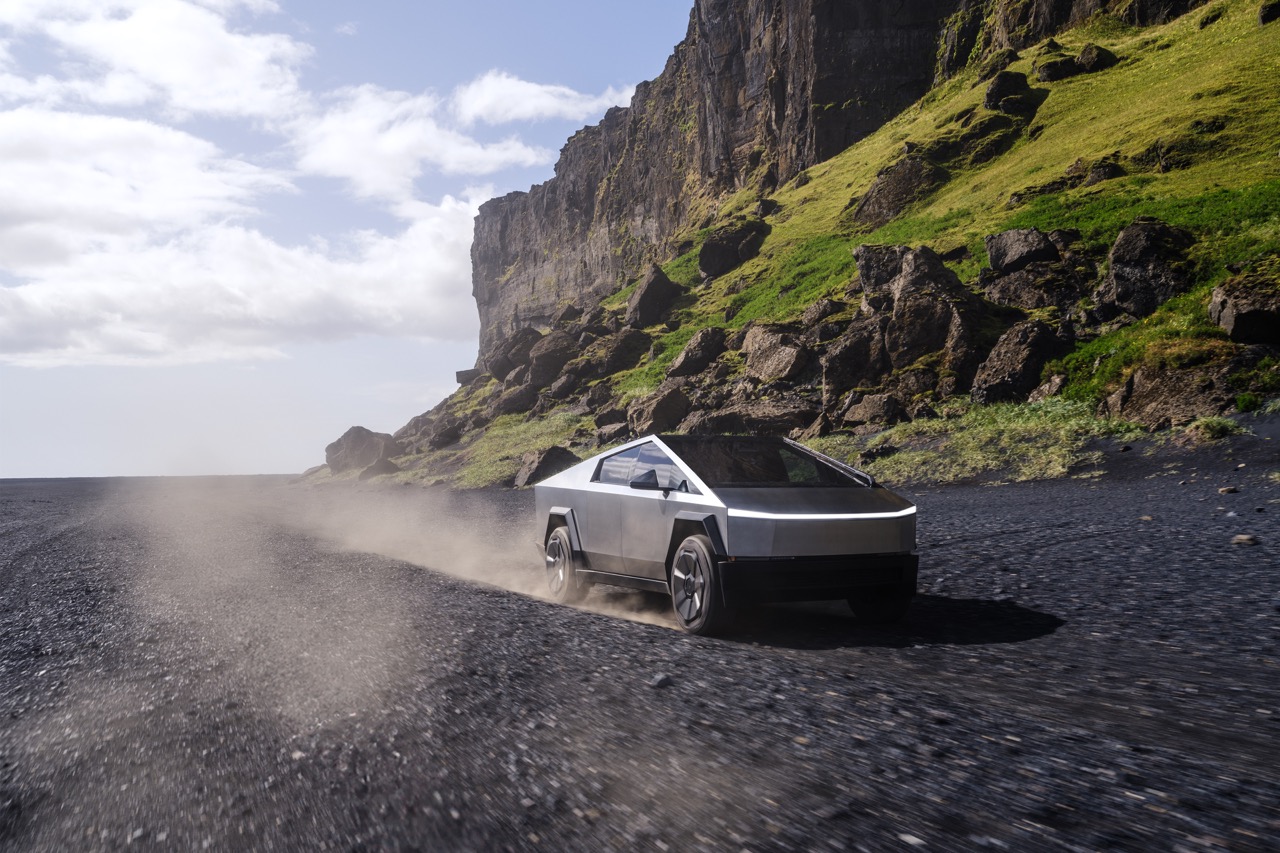
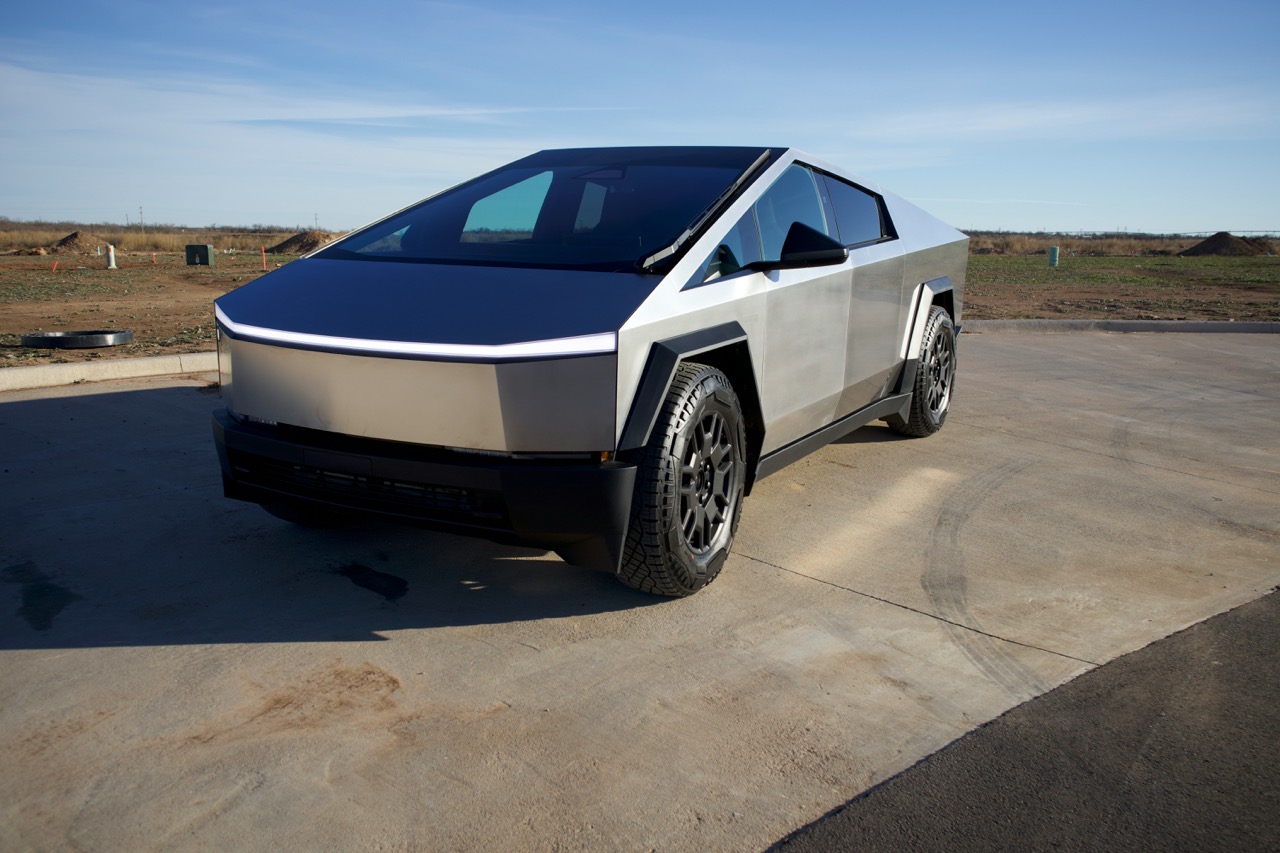
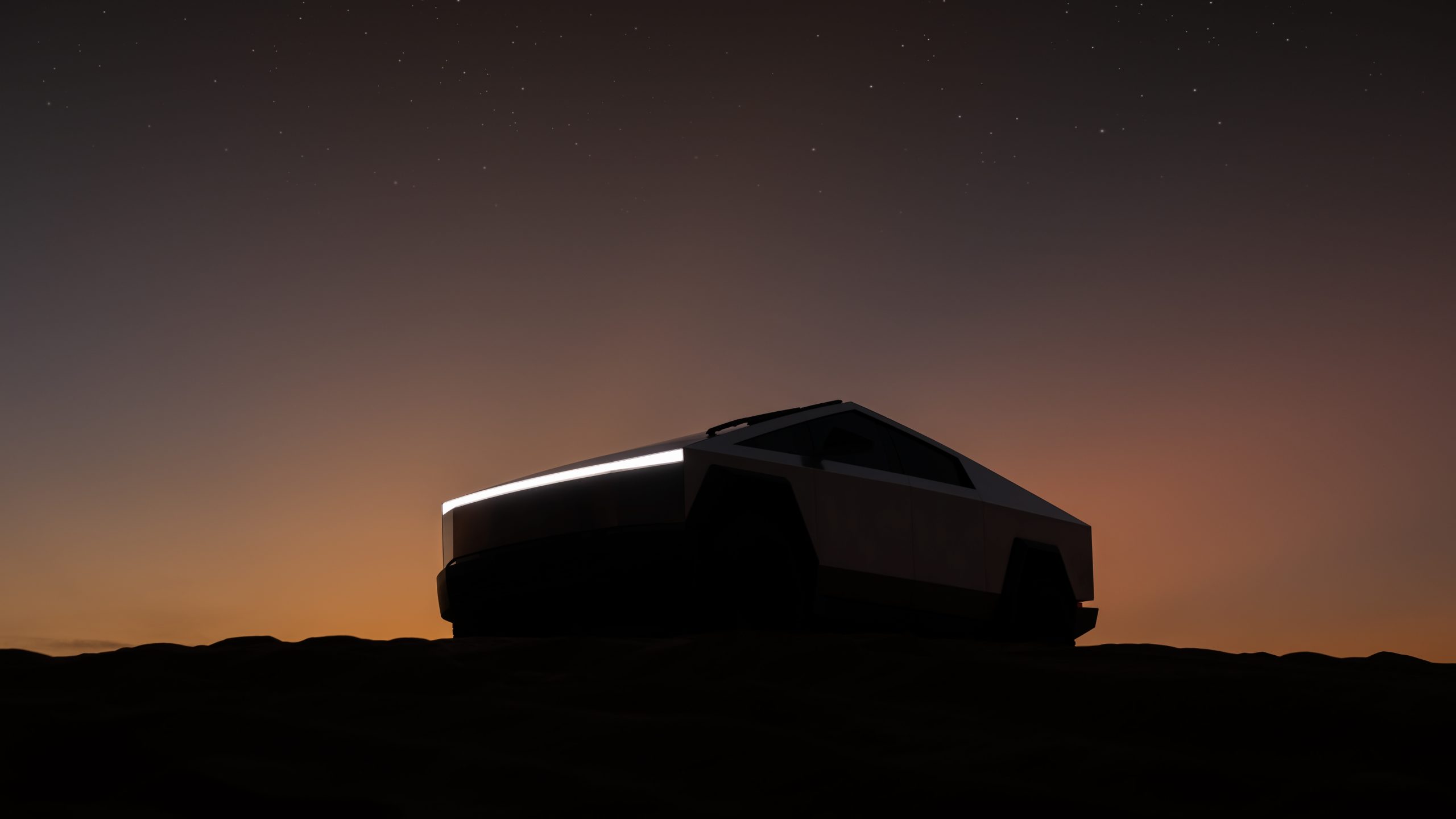
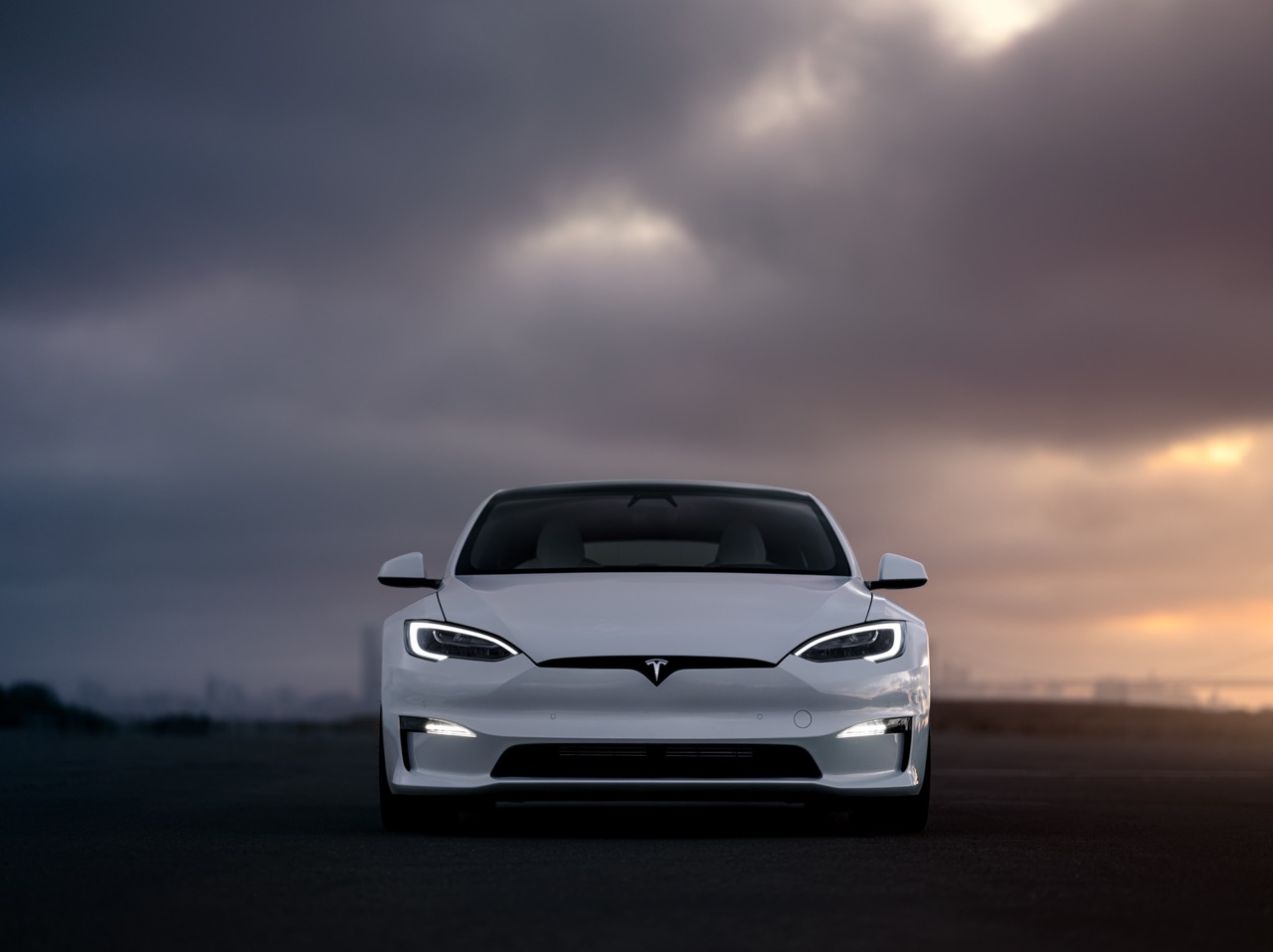
When the Tesla Cybertruck is spotted on the road, it’s hard to miss its incredibly unique design, including the headlights, which complement its one-of-a-kind look. Additionally, these lights are extremely powerful and are great for nighttime driving. While they’re defaulted to automatically turn on and off based on lighting conditions, there might be times when you need to manually control the headlights. Continue for steps on how to manually turn on the headlights in the Tesla Cybertruck.
Turning the Headlights On and Off
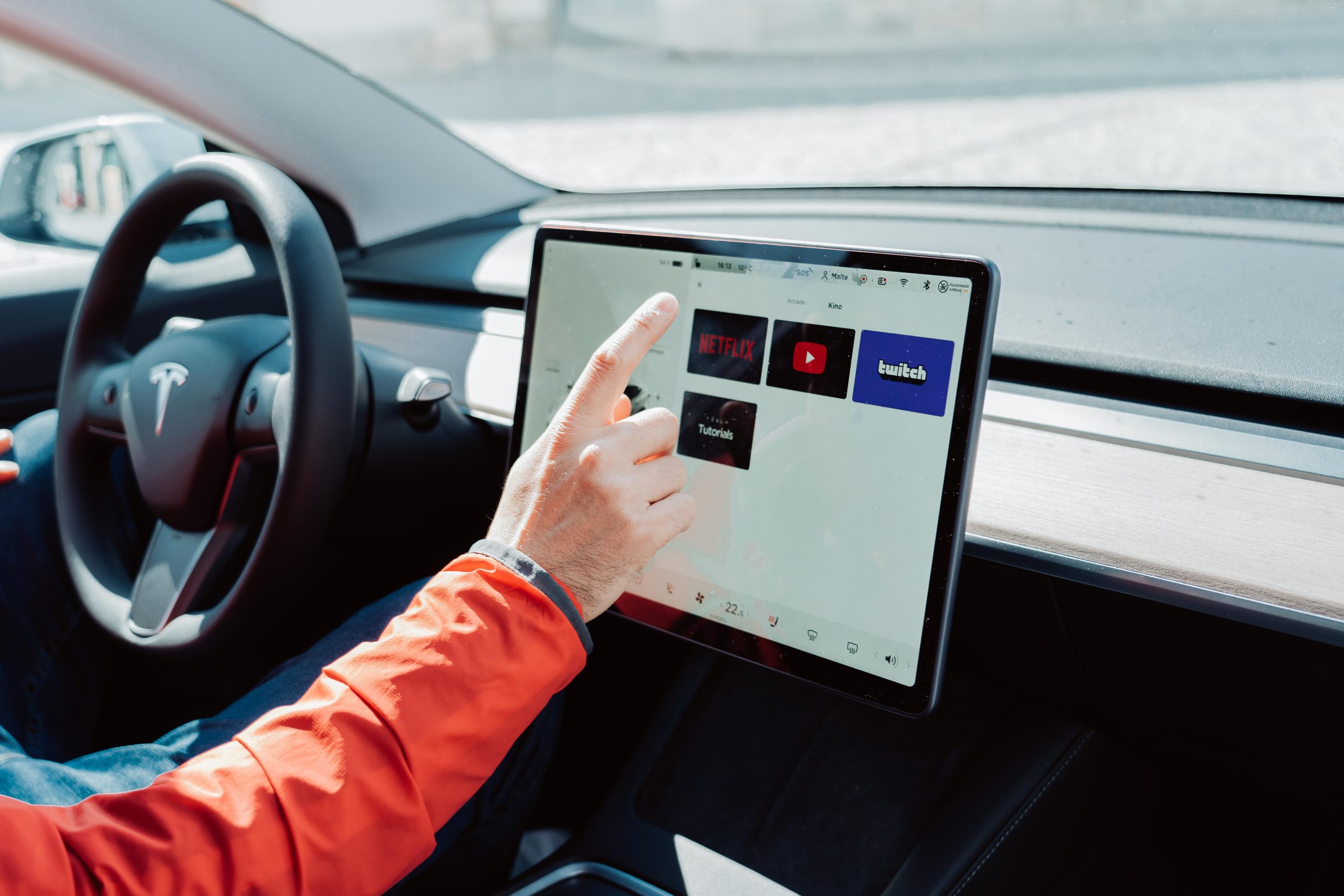
All the exterior lights are set to Auto each time you start your Cybertruck. This includes headlights, taillights, side marker lights and more. The Auto feature examines the environment and determines what combination of lights is best to engage during that time. To adjust any headlight settings, tap Controls > Lights when in your Tesla. You can then choose from a few different options:
- Off: This will turn all the exterior lights off. However, depending on the region you’re in, daytime running lights may remain on due to regulations.
- Parking: By toggling this setting, parking lights, side marker lights, taillights and license plate lights will turn on, if they’re not already.
- On: Low beam headlights, side marker lights, parking lights, taillights and the license plate lights will all turn on, if they’re not already.
If you change to a different setting, the lights will always revert to Auto on your next drive.
TIP: The rear taillights are off when daytime running lights are on. However, it’s vital that they remain on during low-rear-visibility conditions. These include dark, foggy, snowy, or wet environments. If they’re not on, it can result in dangerous situations.
The Bottom Line
The steps on how to manually turn on the headlights in the Tesla Cybertruck are easy. Remember, the default for the vehicle is always the Auto setting, meaning that the car will examine the environment and determine what combination of lights is best to engage during that time. However, if you need to manually turn on or off the headlights, then tap Controls > Lights and touch Off or On.